


Kingston

IronKey Vault Privacy 80 1,92 TB, Externe SSD

SKU 52646 Brand Kingston EAN13 0740617328424
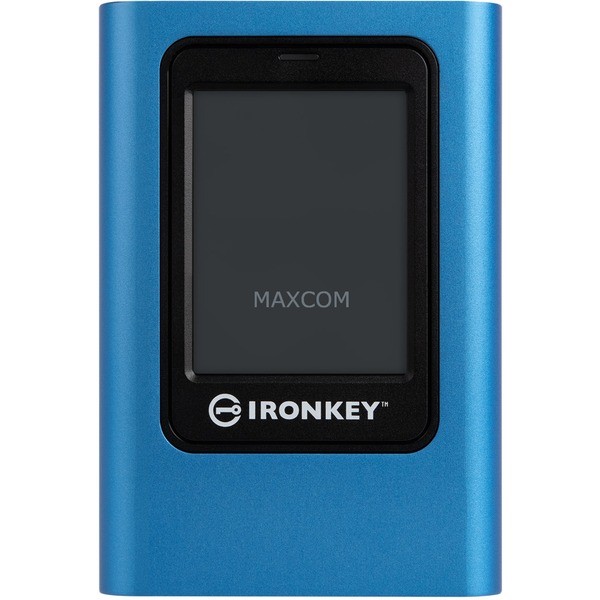
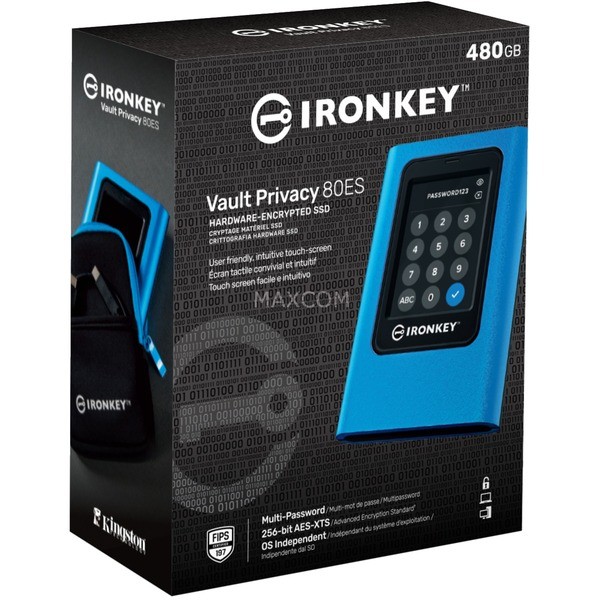
The IronKey Vault Privacy 80 is Kingston's first innovative, OS-agnostic, touchscreen external SSD that is hardware encrypted for increased privacy. The VP80ES protects against bru...
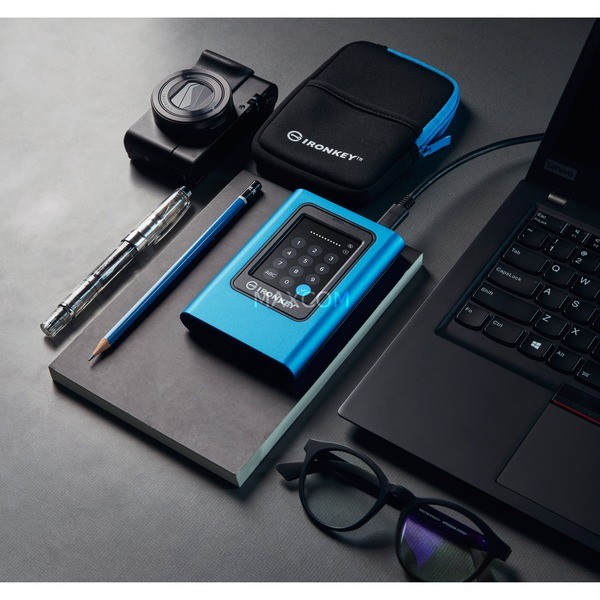
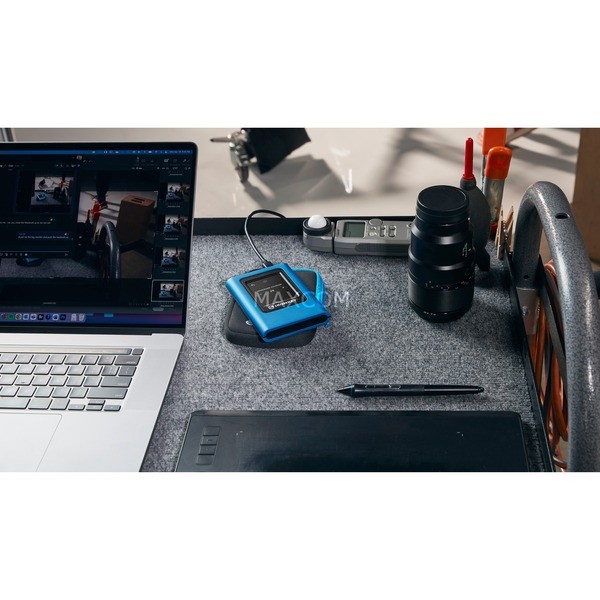
The IronKey Vault Privacy 80 is Kingston's first innovative, OS-agnostic, touchscreen external SSD that is hardware encrypted for increased privacy. The VP80ES protects against brute force attacks and BadUSB with digitally signed firmware. By default, protection against brute force attacks cryptoerases the drive after 15 incorrect entry of admin and user passwords. The drive is FIPS 197 certified with XTS-AES 256-bit encryption using a Common Criteria EAL5+ (CC EAL5+) certified secure microprocessor and is TAA compliant. With the easy-to-use VP80ES, which unlocks as easily as a smartphone, files can be transferred via drag and drop while keeping data protected. With the intuitive color touchscreen and the option for multiple passwords (admin and user) in numeric PIN or passphrase mode, data is much better protected than on the Internet with cloud services. Whether important company information, customer documents or high-resolution images and videos - the drive is perfect for small and medium-sized businesses (SMEs) but also for content creators. Included are two USB 3.2 Gen 1 adapter cables, USB Type-C to Type-A and Type-C to Type-C, allowing the drive to easily connect to computers and other devices. The VP80ES is the perfect companion when you are away from home or need secure data and content on the go, so you always have everything at hand and stay productive while on the move.
TypSSD
Colorblue/black
EAN0740617328424
Manufacturer no.IKVP80ES/1920G
SerieIronKey Vault Privacy 80
Designextern
capacity1,92 TB
interface1x USB-C 3.2 Gen 1 (5 Gbit/s)
Data transfer rate - reading250MB/s
FeatureIntuitive touchscreen, FIPS 197 /
More informationThe administrator can enable a user password and set up security options such as: For example, you can set password requirements by specifying the maximum number of common attempts, the minimum password length of 6 to 64 characters, and alphanumeric password rules. In addition, the space can be used to make it easier to remember a passphrase as a list of words, a memorable quote, or the lyrics to a favorite song. The SSD can also be unlocked using the PIN pad like a mobile device and, to avoid failed login attempts and frustration, tap the "eye" to see the password you have entered. Additionally, if a user password is forgotten, the admin password can be used to access data and restore user access.
Accessories - availableNeoprene Travel Case, USB-C to USB-C Cable, USB-C to USB-A Cable
DimensionsWidth: 84.2mm x Height: 18.5mm x Depth/Length: 122.5mm