


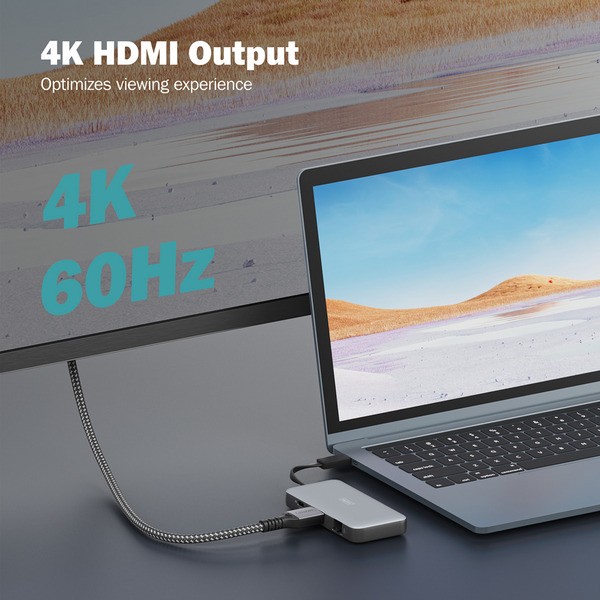




| Typ | Docking station |
| Color | grey/black |
| EAN | 4016032497752 |
| Manufacturer no. | DA-70916 |
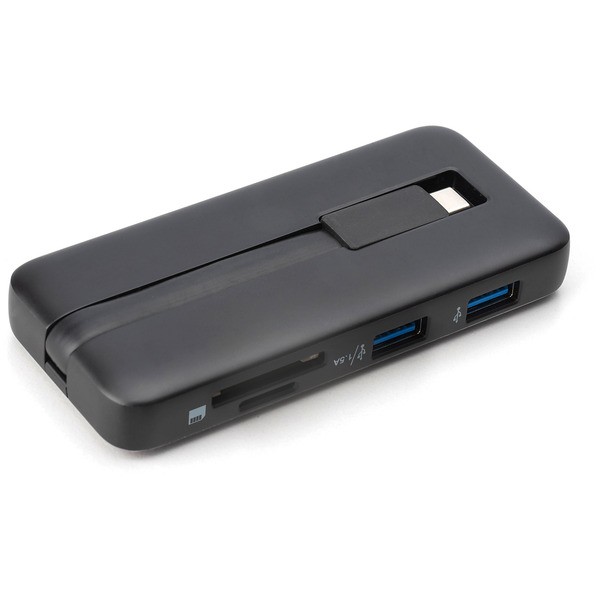
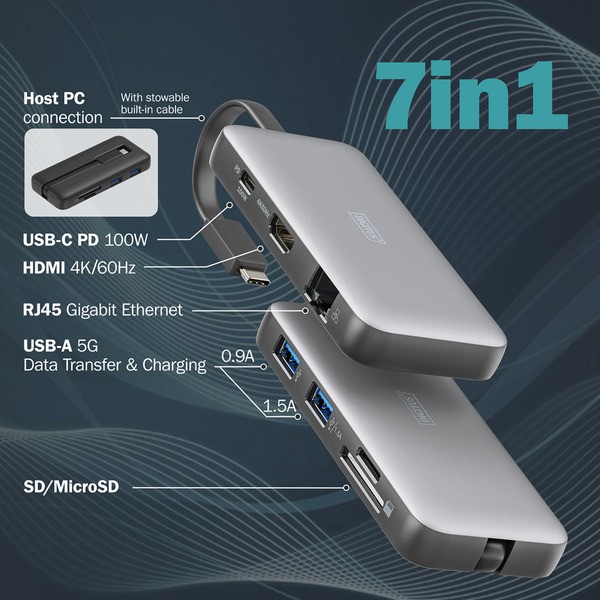
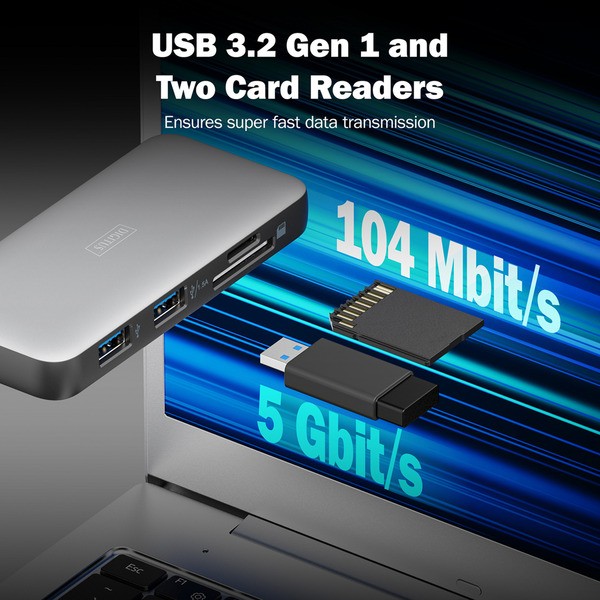
| Connections | 1x HDMI-Ausgang, 1x RJ-45, 2x USB-A 3.2 Gen 1 (5 Gbit/s) |
| Card reader | SD cards, microSD cards |
| Power supply | USB operation |
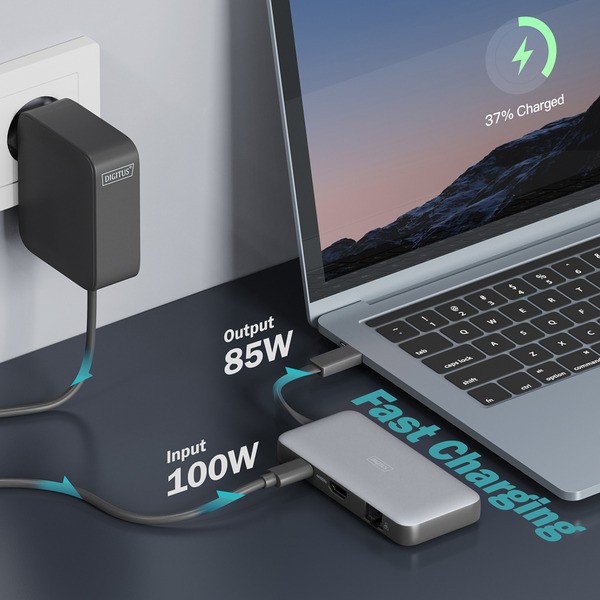
| More information | USB-C Power Delivery: 100W |
| Dimensions | Width: 50mm x Height: 15.5mm x Depth/Length: 110mm |
| Weight | 75 Gramm |
| Warnings and safety information | Safety instructions: Overloading can lead to overheating and damage to the device or the connected peripherals. If necessary, use an external power supply to ensure stable performance. When connecting devices such as external hard drives or printers that require high power consumption, the device should be used with an external power supply. Otherwise it could The device could be overloaded or malfunctions could occur. Do not expose the device to rain, moisture, vapors or liquids. Do not insert any objects into the device. Do not attempt to repair the unit or open the case yourself. You risk electric shock! Ensure adequate ventilation to prevent damage from overheating. Dust, moisture, fumes and strong cleaning agents or solvents can cause damage to the device. Before cleaning, disconnect the device from power and connected devices. Clean the device with a dust-free cloth. |
check_circle
check_circle